Grip Blender Addon#
The Grip Blender addon supports creating OpenUSD Digital Twins that follow the current specification. It includes support for the Grip material, variant sets (not implemented yet), and exports that meet the structural requirements of the Digital Twin specification.
System requirements#
This Addon is tested with Blender 5.0.1. Future releases will also include the latest LTS release, starting with 5.2 LTS scheduled for June 2026.
All operating systems are supported, but Grip primarily tests the addon on Windows 11.
Installation#
To install the addon:
Download the zip file for the version you need (the current version is recommended) from the Download section of this document.
Open Blender and open the Preferences window.
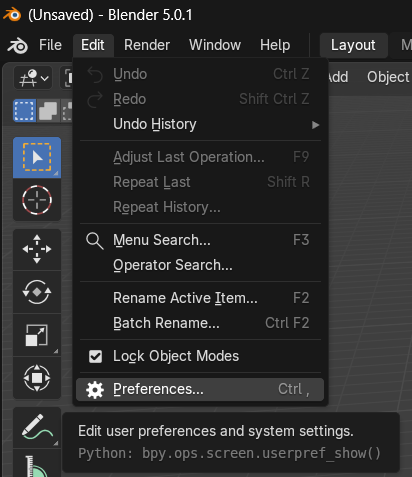
Select the “Add-on” tab on the left side of the dialog.
Click the dropdown in the upper-right corner and select “Install from Disk…”.
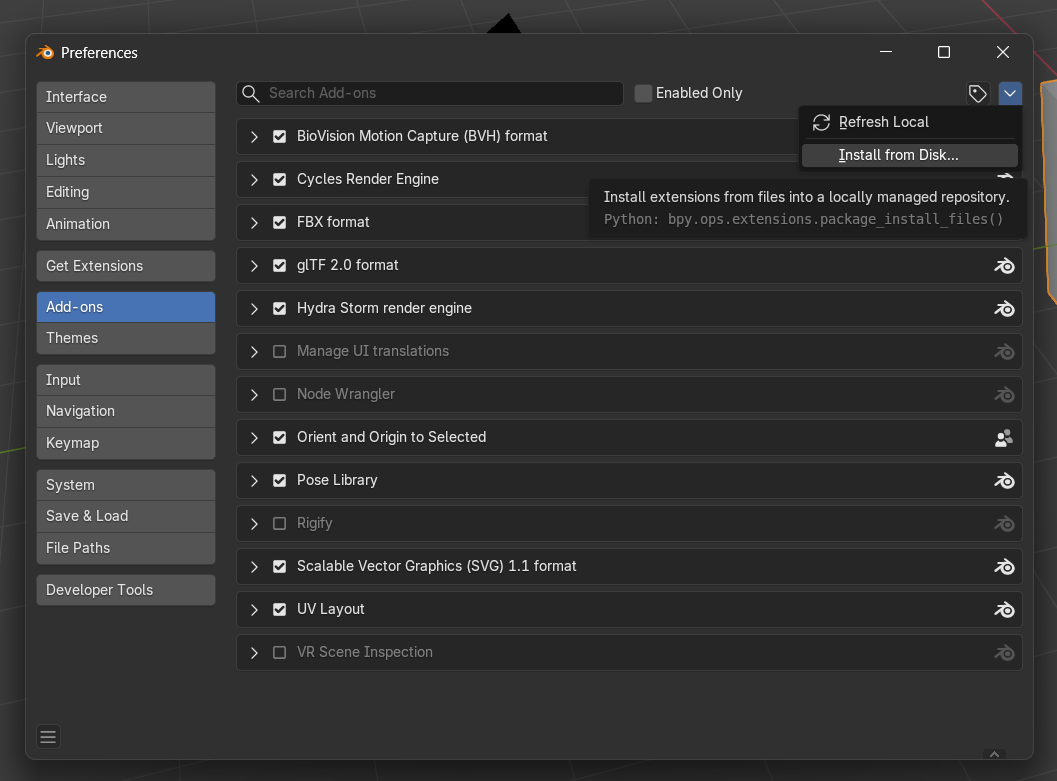
In the file dialog, select the zip file you downloaded in the first step and press “Install from Disk”.
The addon should now appear in the list of installed add-ons as “Grip Digital Twin Export”.
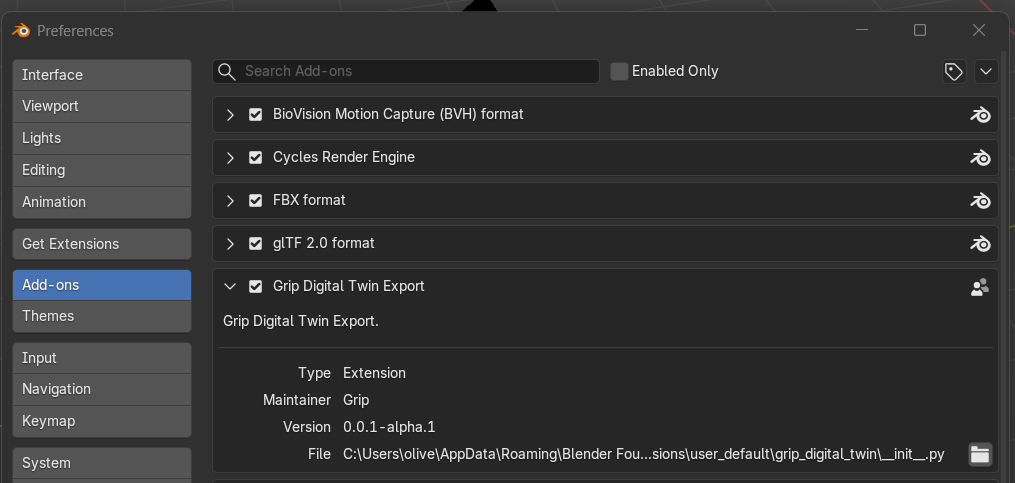
In rare cases, you may have to activate the checkbox next to “Grip Digital Twin Export” to enable the addon.
Usage#
After the addon is installed and activated, you can find its UI in the “Render” properties panel, usually on the right side of the Blender interface.
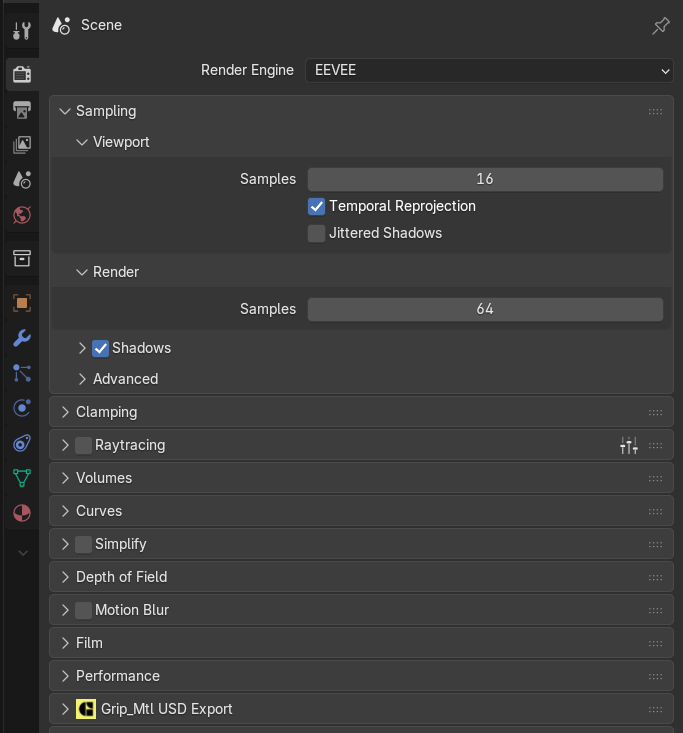
Adding the Grip Material#
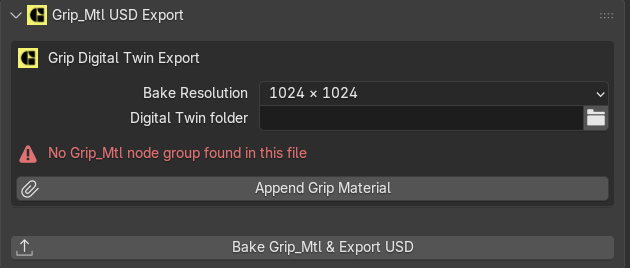
When you create a new scene or open a file that does not contain the Grip material, the addon displays a warning and lets you append the material to the current scene. Press the “Append Grip Material” button below the warning message.
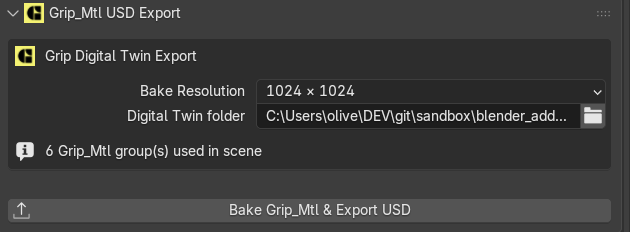
Afterward, or when you load a Blender scene with the Grip Material already added, the addon displays the number of Grip Materials used in the scene.
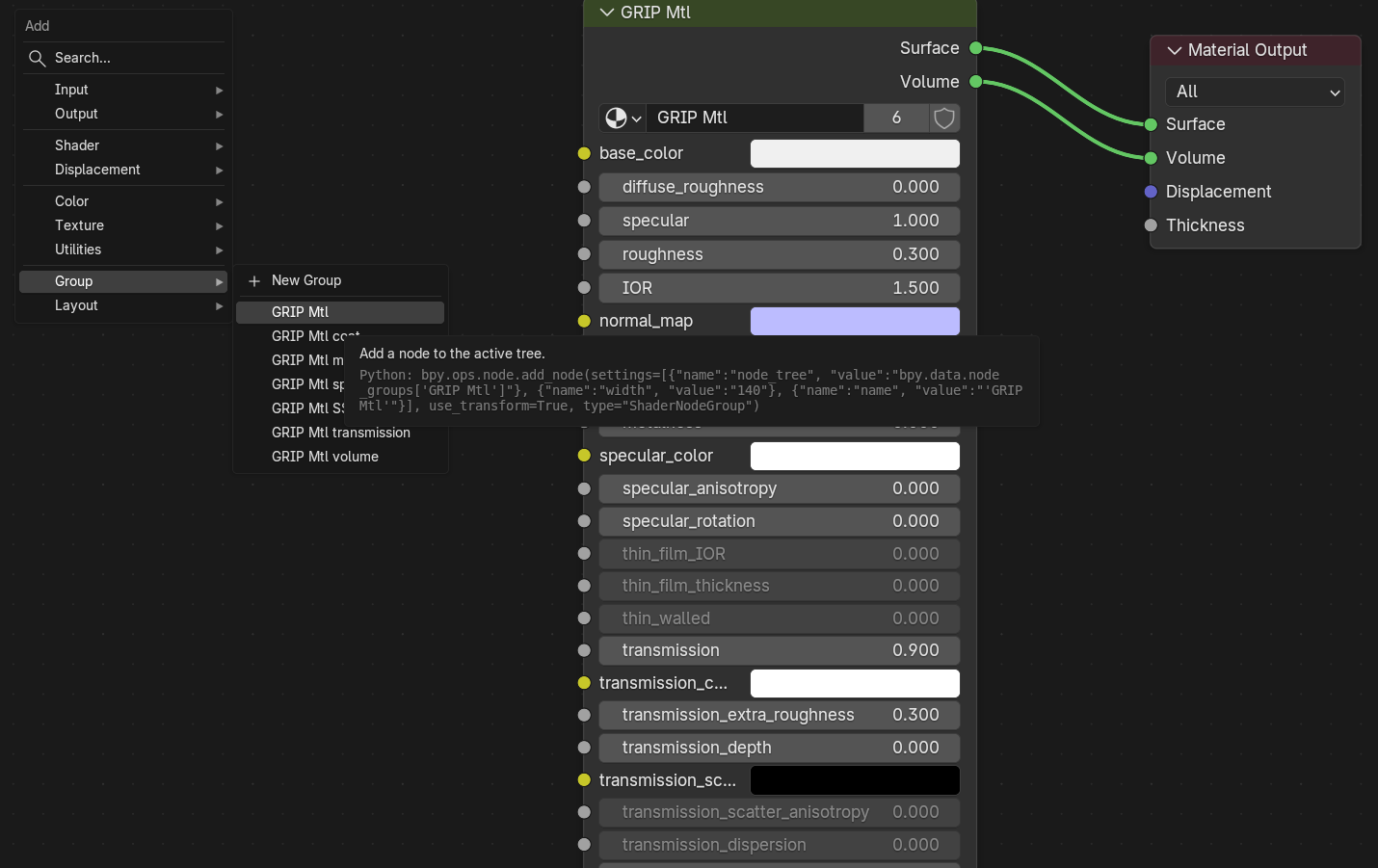
You can now set up materials in Blender using the “Grip Mtl” node graph. Add a node group named “Grip Mtl” by pressing Shift-A or using the “Add” menu in Blender’s Material Editor.
Connect the Surface and Volume output of the Grip Mtl to the Material Output node for your Blender material.
For more information about the Grip Material consult the Grip Material Specification
Exporting a Grip Digital Twin#
To export a Digital Twin based on this specification, select the resolution for the baked maps for each Grip Material input and the path to a folder that will contain the created OpenUSD Digital Twin. For the best possible quality, a resolution of 4096 x 4096 pixels is recommended for the final delivery. Lower resolutions are acceptable for less detailed textures.
After configuring the settings, click the “Bake Grip_Mtl & Export USD” button at the bottom of the Grip Digital Twin export section. The process may take some time depending on the number and complexity of the connected inputs in the Grip Material node graphs.
Once the process is complete, an asset.usda file should be present in the selected folder. You can open it in NVIDIA Omniverse for visual checks.